> For the complete documentation index, see [llms.txt](https://updates.adreform.com/llms.txt). Markdown versions of documentation pages are available by appending `.md` to page URLs; this page is available as [Markdown](https://updates.adreform.com/march-2024/windows-os-screenshots.md).
# Windows OS screenshots
March 8, 2024
When [downloading screenshots with timestamps](http://help.adreform.com/en/articles/3958114-include-url-and-timestamp-in-screenshots-wrappers), you can now select Windows as the operating system (OS) for desktop screenshots. Each OS uses its default browser for screenshots: Mac uses Safari, Windows uses Edge.
### Sync native ads from Xandr
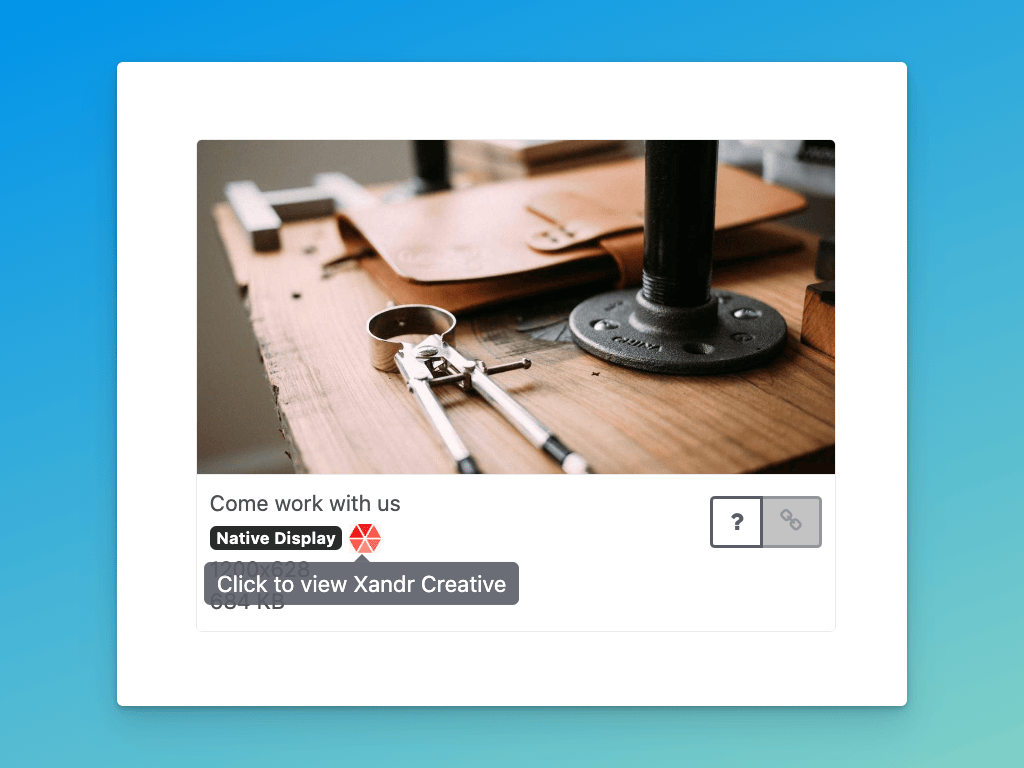
As promised, we've updated our Xandr integration to sync native ads. If you've already connect your Xandr account, you'll start seeing native ads come through.
This also works when importing ads manually in the web UI. If you paste a Xandr preview URL, we'll import it as a banner ad or native ad automatically.
### Fully automated GAM screenshots
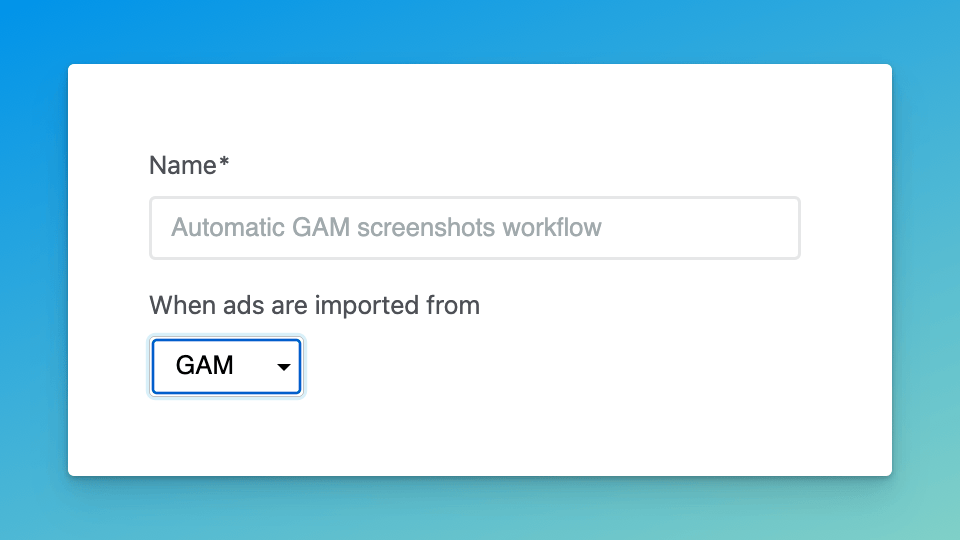
We've added GAM support to Screenshot Workflows, enabling fully automated screenshots from GAM creatives. When a GAM workflow runs, we'll automatically find sites that match any custom key/value Line Item targeting ✨
Both the GAM integration and Screenshot Workflows are currently in beta. If you'd like to try them out, [please let us know →](https://product.adreform.com/roadmap?id=35457463-0b53-47d6-ac52-ed12e9b3dc82)
### More improvements & fixes
* Added "reconnect" option for the GAM integration
* Updated how we handle invalid GAM credentials so users get notified that they need to reconnect their GAM account
* Updated GAM sync to sync since the last sync run or up to 7 days ago, whichever is more recent